Codigo77 Maya Withdrawal: How to Cash Out to Maya E-Wallet
Codigo77 Maya Withdrawal: How to Cash Out to Maya E-Wallet
Codigo77 supports withdrawals to Maya e-wallet, giving players a quick way to move winnings into their mobile wallet and use the funds for bills, online shopping, or bank transfers. This guide walks through the Maya cashout process step-by-step, explains verification requirements, typical processing times, and what to do when a withdrawal sits in pending status.
21+ only. Set a budget and stick to it—gambling should stay entertainment, not a way to solve money problems.
Step-by-Step: How to Withdraw from Codigo77 to Maya
- Log in to your Codigo77 account
Open the Codigo77 app or mobile site and sign in with your registered username and password. - Go to the cashier or withdrawal section
Tap the menu icon (usually three horizontal lines) and select Cashier, Withdrawal, or Cash Out. The exact label varies slightly between app updates, but you'll find it under your account or wallet menu. - Choose Maya as your withdrawal method
You'll see a list of available options—GCash, Maya, bank transfer (InstaPay or PESONet). Tap Maya or PayMaya. - Enter your Maya account details
- Maya mobile number: Type the 11-digit number linked to your Maya account (starting with 09).
- Account name: Enter your full name exactly as it appears on your Maya account. Mismatches can delay processing or trigger a review.
- Enter the withdrawal amount
Input the PHP amount you want to cash out. Codigo77 sets a minimum withdrawal—often PHP 100 or PHP 200—and a daily or per-transaction maximum. Check the on-screen limits before confirming. - Review and confirm
Double-check your Maya number and the amount. Once submitted, you cannot edit the request; you would need to contact support to cancel and re-submit. - Wait for confirmation
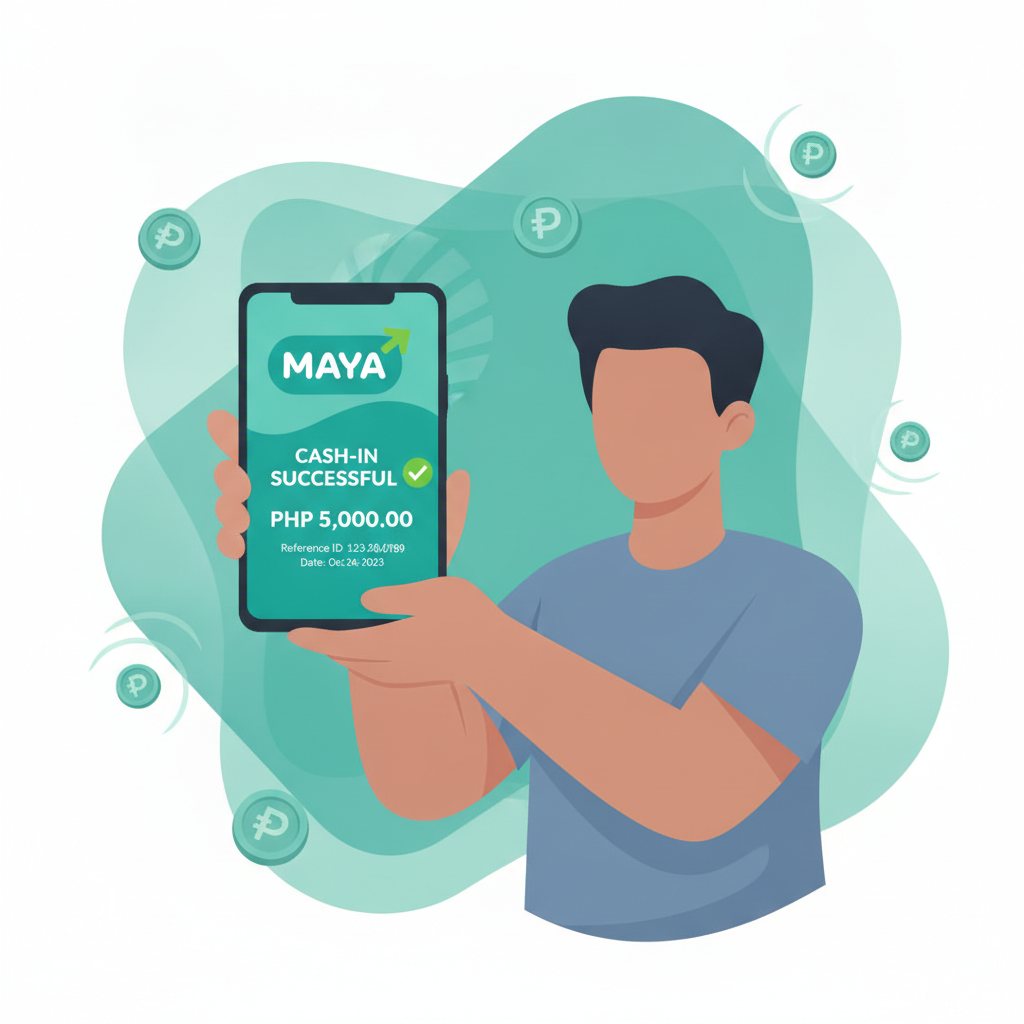
The platform will display a success message and issue a transaction reference number. Keep this number for follow-up if needed.
Maya Account Verification Requirements
To process a Codigo77 withdrawal to Maya, both platforms need to confirm your identity:
- Full name match: The name on your Codigo77 account must match the name registered with Maya. If you signed up with a nickname or shortened version, update your Codigo77 profile (or contact support) before requesting a cashout.
- Mobile number verification: Your Maya account is tied to a mobile number. Codigo77 checks that the number you enter matches the one Maya has on file. If you recently changed your SIM or Maya mobile number, update Maya first, then try the withdrawal.
- KYC status: Codigo77 usually requires players to complete know-your-customer (KYC) verification—uploading a valid ID and proof of address—before approving the first withdrawal. If you skipped this step, your Maya cashout may sit in "under review" until you submit documents.
- Maya account limits: Maya itself has transaction and balance limits. A basic, unverified Maya account may cap incoming transfers at PHP 50,000 per month. If you are cashing out frequently or in larger amounts, upgrade to a Maya Wallet Plus or fully verified account to avoid hitting Maya's receiving limit.
Processing Time: Instant vs Next-Day and Cut-Off Hours
Instant or same-day: Many Codigo77 Maya withdrawals land in your wallet within minutes, especially if you submit the request during business hours (roughly 9 AM to 6 PM Manila time, Monday to Friday). The funds appear as a "Cash In" transaction in your Maya app.
Next-day processing: Requests made outside business hours—late evenings, weekends, or public holidays—often queue until the next banking day. Codigo77's finance team reviews and releases batches, so a Friday night cashout might not arrive until Monday morning.
Cut-off times: While Codigo77 does not publish an exact cut-off hour, payments submitted after 5 or 6 PM typically roll to the next working day. If speed matters, withdraw in the morning or early afternoon.
Pending or "under review": A small percentage of Maya withdrawals require manual approval. Codigo77 flags transactions for review when:
- The cashout amount is unusually large compared to your deposit history.
- Your account has recent bonuses with incomplete wagering requirements.
- There's a name or number mismatch between Codigo77 and Maya records.
- You have not yet completed KYC verification.
Manual reviews can take 24 to 72 hours. Check your registered email or in-app notifications for any document requests from Codigo77 support.
What to Do If Your Maya Cashout Is Pending or Under Review
1. Check transaction status in your account history
Navigate to Transaction History or My Account > Withdrawals. Each cashout will show a status: Pending, Processing, Approved, or Completed. If it says Pending for more than a few hours, move to the next steps.
2. Verify you entered the correct Maya mobile number
Log in to your Maya app and confirm the mobile number listed under your profile. If you typed the wrong digit in Codigo77, the transfer will fail and funds typically return to your casino balance within 24 hours.
3. Confirm your name matches across platforms
Open the Maya app, tap your profile icon, and review the registered name. Then check your Codigo77 account profile. If they differ—even by a single letter or middle initial—contact Codigo77 support with a screenshot of your Maya account name and ask them to update your records.
4. Complete KYC if you have not already
If this is your first withdrawal or you skipped ID verification during sign-up, the cashout will pause until you upload a government-issued ID (driver's license, passport, or UMID) and a recent utility bill or bank statement showing your address. Most Codigo77 accounts have a Verification or KYC tab in the profile menu.
5. Contact Codigo77 support
Use live chat (available in the app or mobile site) or email support with:
- Your registered username or account ID
- The withdrawal transaction reference number
- A brief description: "Maya cashout pending since [date and time]"
Support can see internal notes—whether the request is in the manual-review queue, waiting on KYC, or held for a bonus-wagering check. Response times vary; live chat is fastest during Manila business hours.
6. Check your Maya transaction history
Occasionally the funds arrive in Maya but the Codigo77 dashboard has not updated. Open the Maya app, tap Transactions, and look for a recent "Cash In" or "Receive Money" entry. If you see it there but Codigo77 still shows "Pending," screenshot both and send to support to reconcile the records.
7. Wait for manual approval if flagged for review
Security reviews can take up to 72 hours. If you recently claimed a large bonus, made your first big win, or deposited and immediately cashed out (sometimes flagged as bonus abuse), the finance team will verify activity logs before releasing the payment. As long as you played fairly, approval is routine—just slower.
Common Maya Withdrawal Issues and Fixes
"Invalid account details" error
You likely mistyped the Maya mobile number or the name does not match. Re-enter carefully, ensuring no extra spaces or hyphens.
Funds returned to casino balance
Codigo77 could not deliver the payment—usually because Maya rejected the transfer (account closed, incorrect number, or receiving limit reached). Fix the issue on the Maya side, then submit a new withdrawal request.
Withdrawal button is greyed out
Your account balance may be below the minimum cashout threshold, or you have active bonus funds that must be wagered before withdrawing. Check Bonus Balance vs Withdrawable Balance in your wallet summary.
Maya account suspended or limited
If Maya flags unusual activity—too many incoming transfers, a name mismatch with your ID, or a violation of Maya's terms—they may freeze incoming payments. Contact Maya support (in-app chat or 02-8845-7788) to resolve the account status before requesting another Codigo77 cashout.
Fees and Limits for Maya Withdrawals
Codigo77 fees: The platform typically does not charge a fee for Maya withdrawals, but always confirm on the cashout confirmation screen. Some casinos deduct a small service charge (PHP 15–25) for each transaction.
Maya fees: Maya does not charge a fee to receive money. However, if you transfer funds from Maya to a bank account afterward, Maya's own cash-out fees apply (usually PHP 0 for InstaPay up to a daily limit, and a percentage for amounts above that).
Minimum withdrawal: PHP 100 or PHP 200, depending on current Codigo77 policy. Check the cashier page for the exact floor.
Maximum per transaction: Often capped at PHP 10,000 to PHP 50,000 per request. Higher-tier or VIP accounts may enjoy increased limits. If you need to withdraw a larger sum, split it across multiple transactions or contact VIP support to request a limit increase.
Daily and monthly limits: Codigo77 may set a daily cashout cap (for example, PHP 50,000 per day) and a monthly ceiling. Maya also enforces receiving limits based on your verification level; upgrade to Maya Wallet Plus or a fully verified account if you plan to cash out frequently.
Tips for Faster Maya Cashouts
- Complete KYC early: Upload your ID and proof of address as soon as you register. First-time withdrawals always take longer if documents are missing.
- Withdraw during business hours: Submit requests between 9 AM and 5 PM, Monday to Friday, for same-day processing.
- Use the exact registered name: Nicknames, initials, or typos trigger manual reviews. Match your legal name across Codigo77 and Maya.
- Avoid bonus abuse flags: Deposit, play a reasonable amount, then withdraw. Depositing and cashing out immediately—especially with an active bonus—can delay approval.
- Keep your Maya app updated: An outdated app may not display incoming transfers promptly. Check the Google Play Store for the latest version.
Why Choose Maya for Codigo77 Withdrawals?
- Speed: Many Maya cashouts arrive within minutes during business hours.
- No withdrawal fee from Maya's side to receive funds.
- Convenience: Use your Maya balance instantly for bills, online shopping, GrabPay top-ups, or transfer to your bank via InstaPay.
- Widely accepted: Maya works with thousands of merchants and billers across the Philippines, making it easy to spend or move your winnings.
If you prefer direct bank deposits, Codigo77 also offers InstaPay and PESONet withdrawals, which take a bit longer (a few hours to one banking day) but land straight in your savings or checking account.
Responsible Gambling Reminder
Withdrawals are a normal part of managing your bankroll, but chasing losses or repeatedly depositing and cashing out can signal problem gambling. Set a monthly entertainment budget, stick to it, and take breaks if you find yourself betting more than you planned.
21+ only. For help with gambling concerns, reach out to a trusted friend, family member, or a professional support service. Codigo77 also offers self-exclusion and deposit-limit tools in the account settings—use them if you need a pause.
Final Checklist: Codigo77 Maya Withdrawal
- Log in and navigate to Cashier > Withdrawal > Maya.
- Enter your Maya mobile number and full registered name.
- Confirm the amount (between the minimum and your daily limit).
- Double-check details and submit.
- Wait for confirmation; most cashouts arrive within minutes to one business day.
- If pending beyond 24 hours, verify KYC status and contact support with your transaction reference.
Maya withdrawals offer a fast, fee-free way to access your Codigo77 winnings. Follow the steps above, keep your account details accurate, and you'll have funds in your mobile wallet ready to use across the Philippines.